Common Fixes for WeChat Mini Program Code Submission Failures
Review common WeChat Mini Program code submission errors and recommended fixes before publishing a Mini Program through MeDo.
Note: The screenshots are preserved from the original document, so UI text inside images may still use another language.
Overview
After a Mini Program has been developed and is ready to be published through the WeChat Mini Program channel, code submission may fail for several common reasons. This document lists the typical errors and gives recommended fixes. For issues that require code changes, you can adapt the provided prompt and send it to MeDo so it can modify the project.
Error 1: Authorization Error, Try Reauthorizing the Mini Program
There are two common cases.
Case 1: The third-party development platform is not authorized or has insufficient authorization
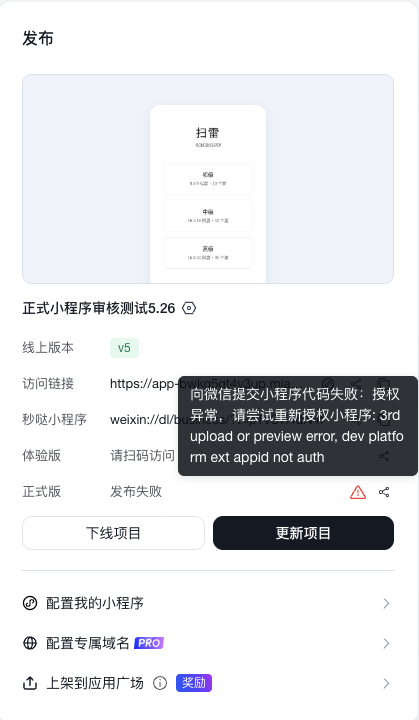
Fix
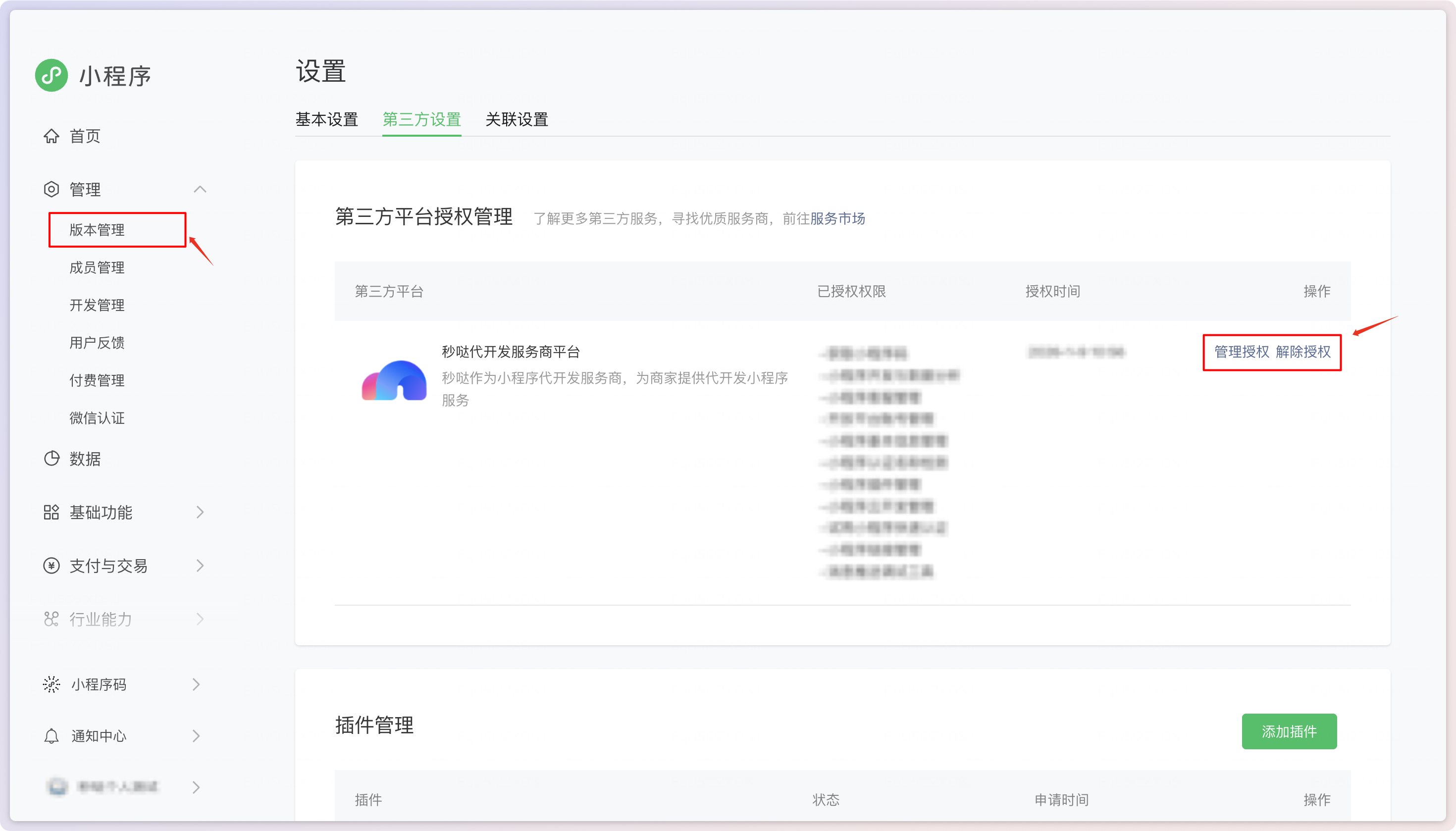
Scan the code and go to WeChat Open Platform > Management > Version Management > View Authorized Third-Party Platforms > Third-Party Settings > Third-Party Platform Authorization Management. Reauthorize the platform on the WeChat side. Do not authorize multiple platforms at the same time.
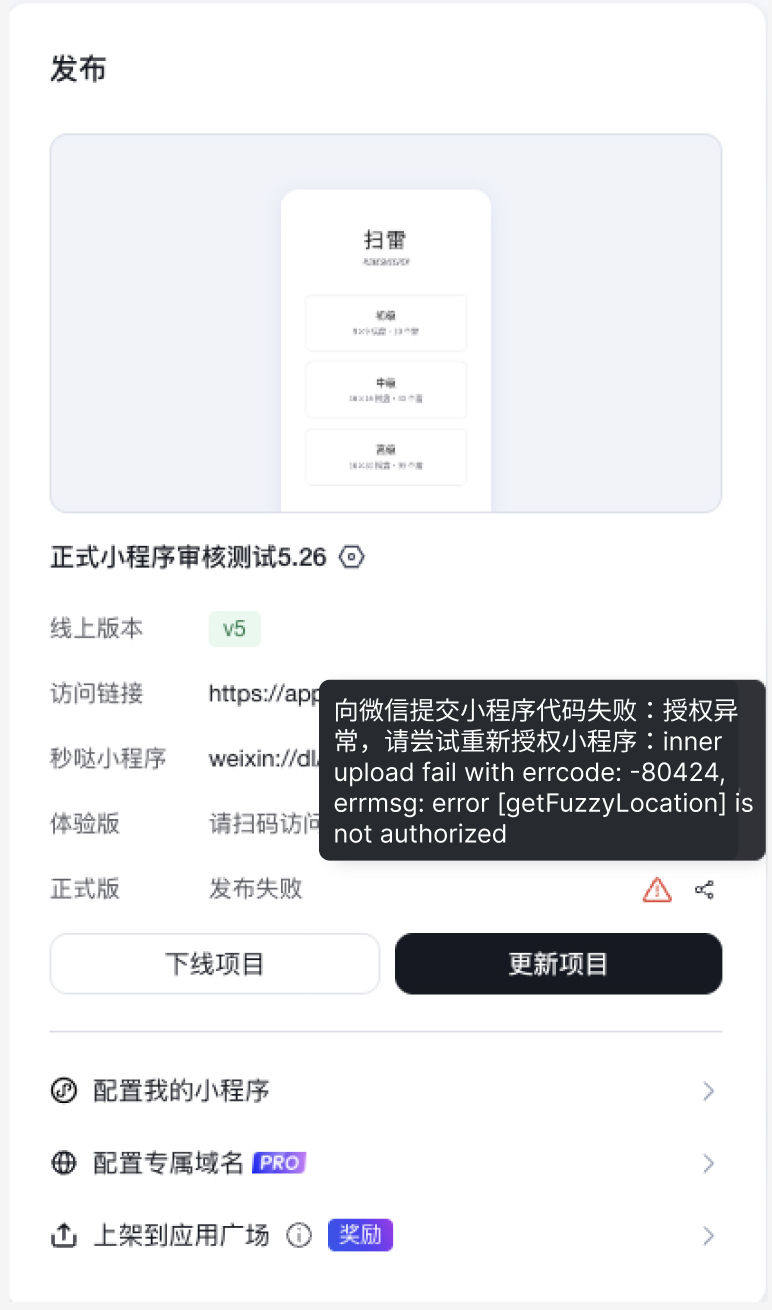
Case 2: A required plugin interface has not been enabled
Fix
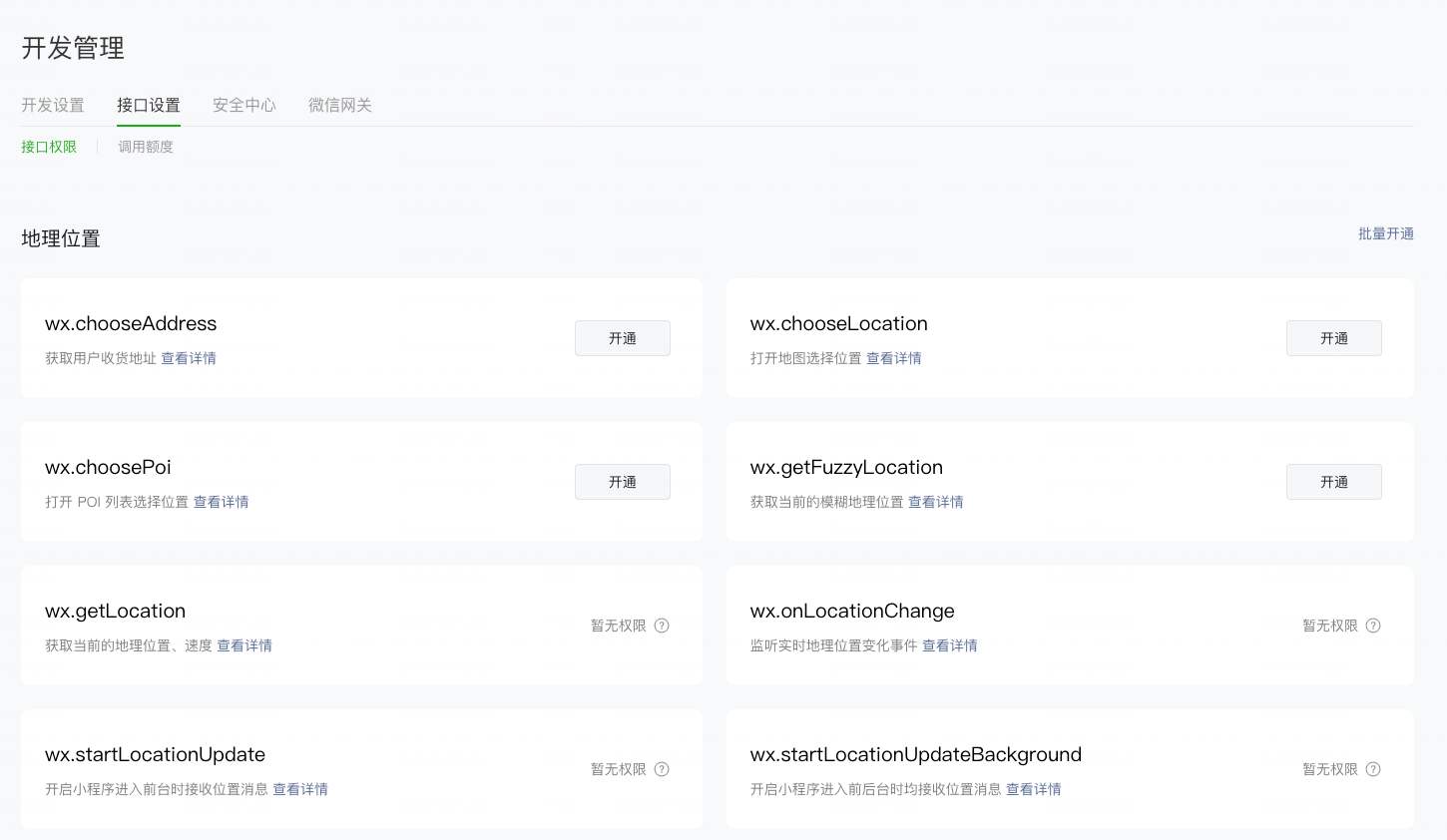
Scan the code and go to WeChat Open Platform > Management > Development Management > Interface Settings. Enable the interface named in the error message. For example, if the error says error [getFuzzyLocation] is not authorized, enable the wx.getFuzzyLocation interface.
Error 2: Plugin Permission Configuration Error
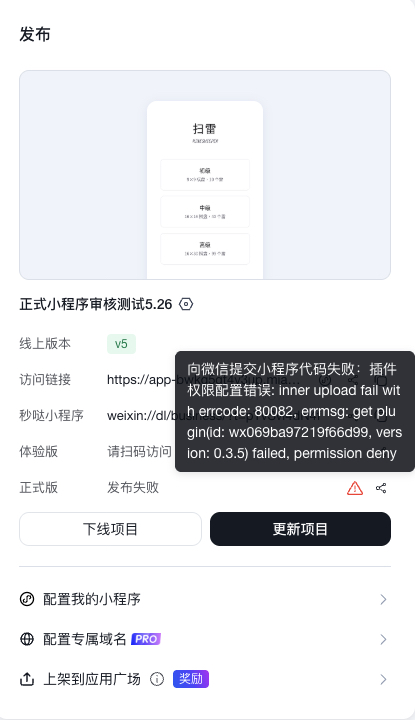
Fix
WeChat Mini Program plugins are different from plugins in MeDo's Plugin Center. Prefer using plugins from MeDo's Plugin Center, and tell MeDo to remove code related to WeChat Mini Program plugins. If you do need a WeChat Mini Program plugin, scan the code and go to WeChat Open Platform > Management > Version Management > View Authorized Third-Party Platforms > Third-Party Settings > Plugin Management, then add the required plugin.
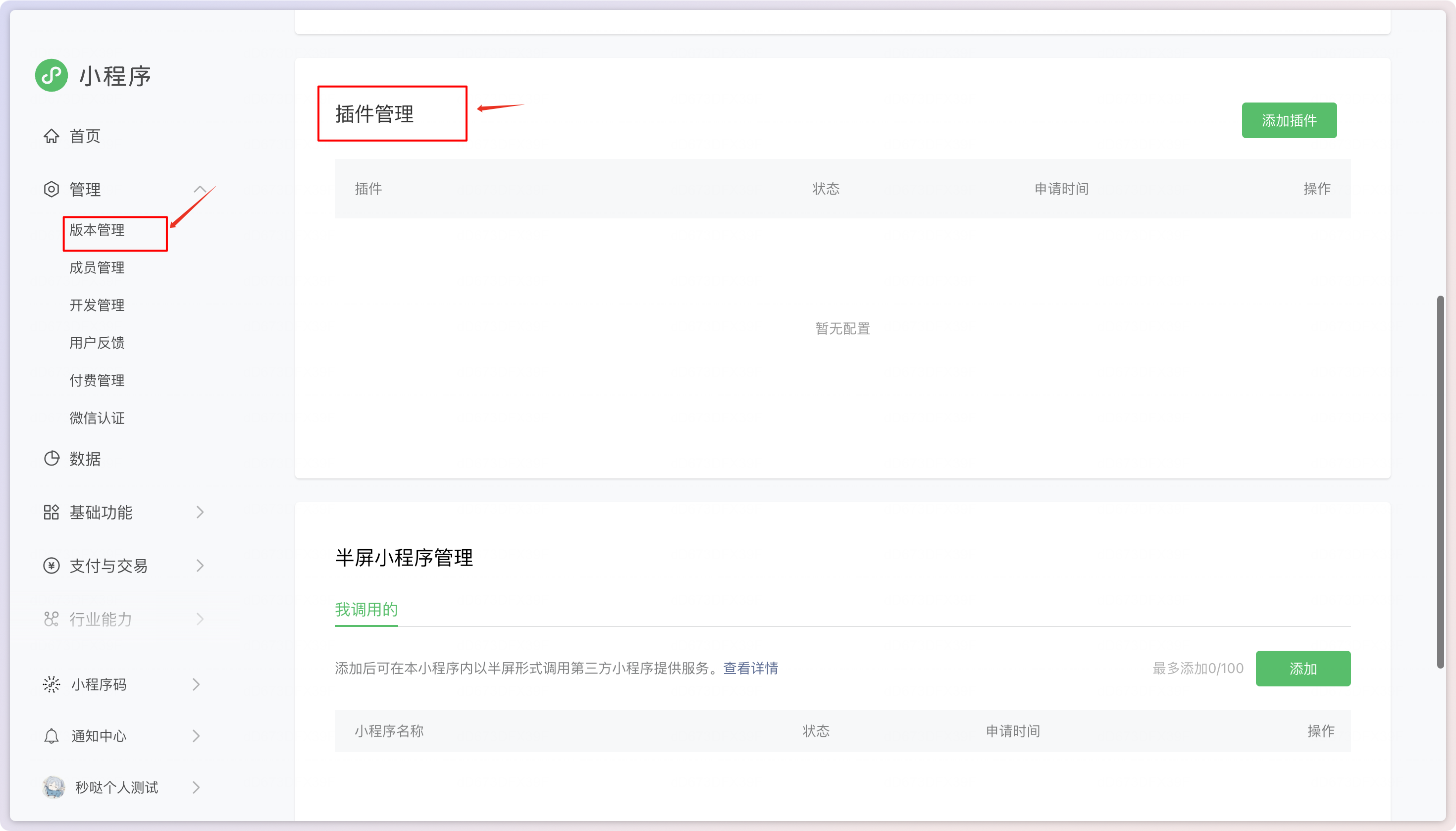
Add the plugin in Plugin Management.
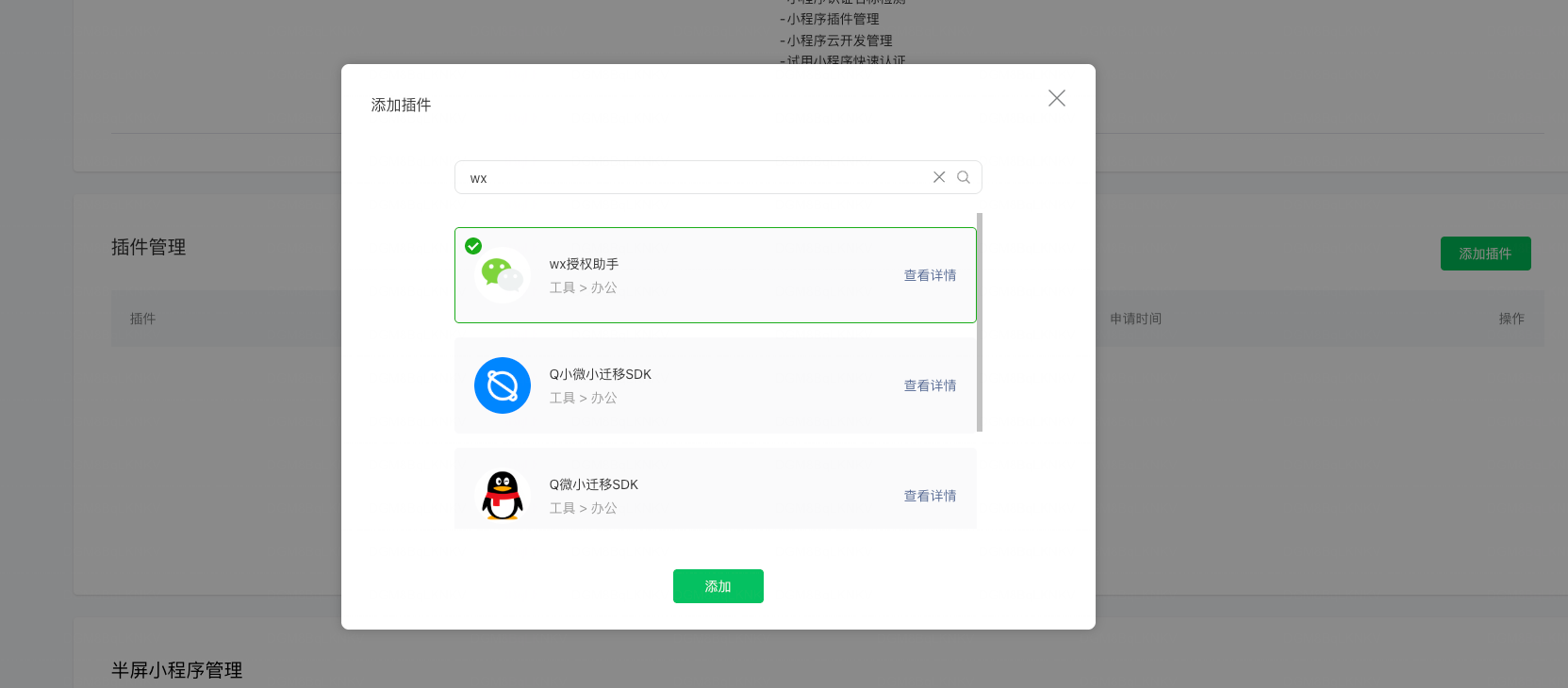
Select the required plugin.
Error 3: Privacy Permission Configuration Error
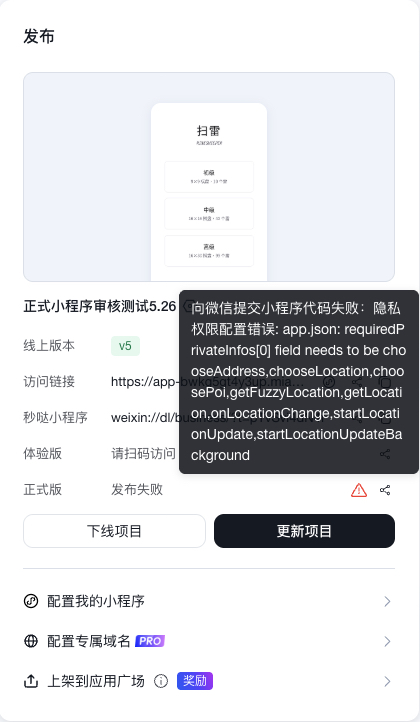
Fix
Tell MeDo to adjust the configuration. Example prompt:
Error 4: Page Configuration Error
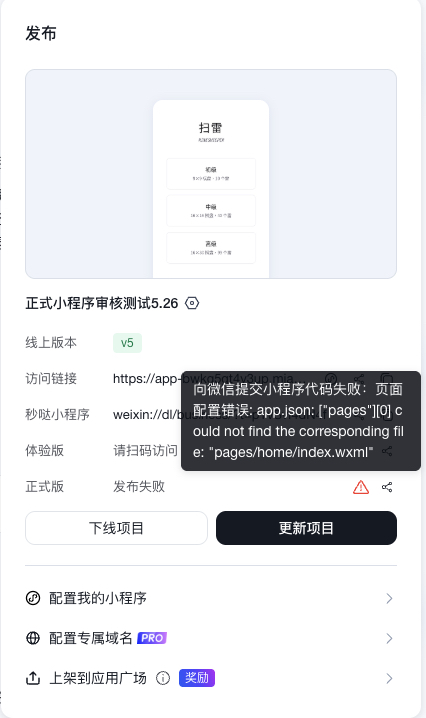
Fix
Tell MeDo to fix the duplicate page configuration. Example prompt:
Error 5: Plugin Version Error
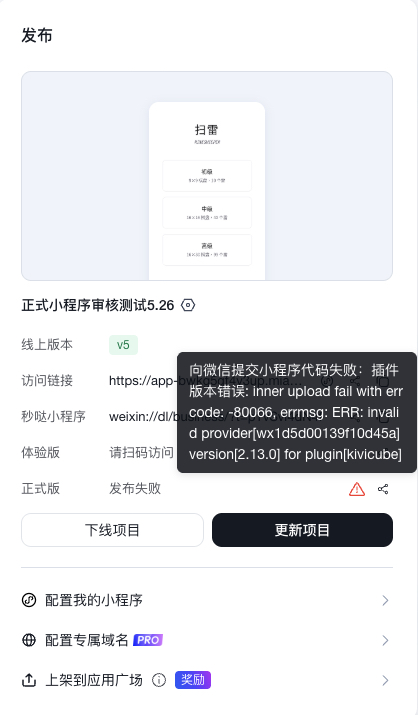
Fix
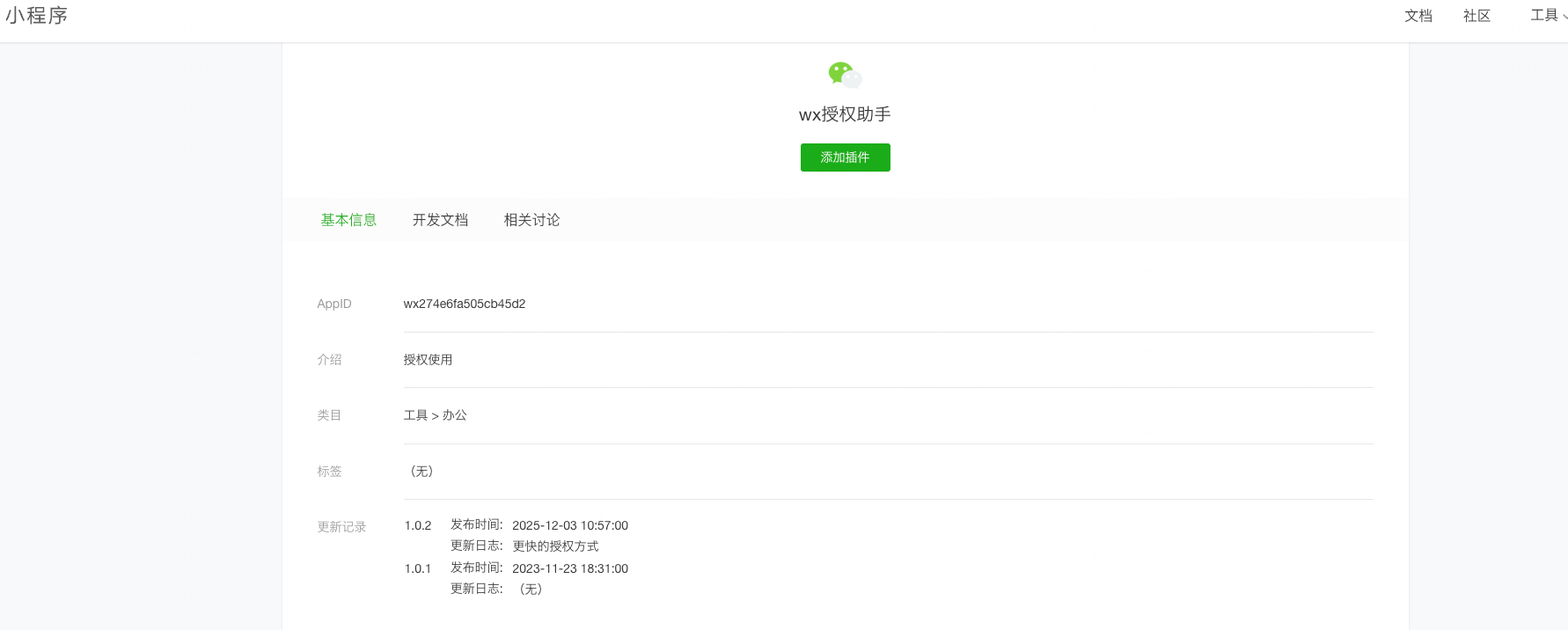
WeChat Mini Program plugins are different from plugins in MeDo's Plugin Center. Prefer using plugins from MeDo's Plugin Center, and tell MeDo to remove code related to WeChat Mini Program plugins. If you do need a WeChat Mini Program plugin, scan the code and go to WeChat Open Platform > Management > Version Management > View Authorized Third-Party Platforms > Third-Party Settings > Plugin Management. Add the required plugin, open its details, find the latest version number, and tell MeDo to update the version. Example prompt:
Error 6: Code Package Exceeds WeChat's 2 MB Limit
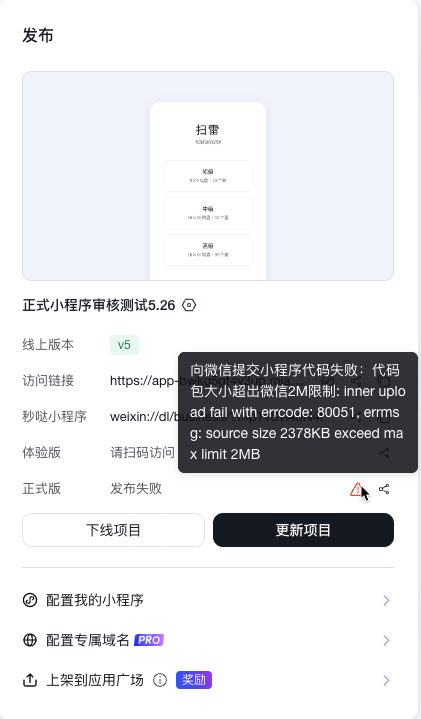
Fix
Tell MeDo to reduce package size. Example prompt:
Error 7: Bottom Navigation Configuration Error
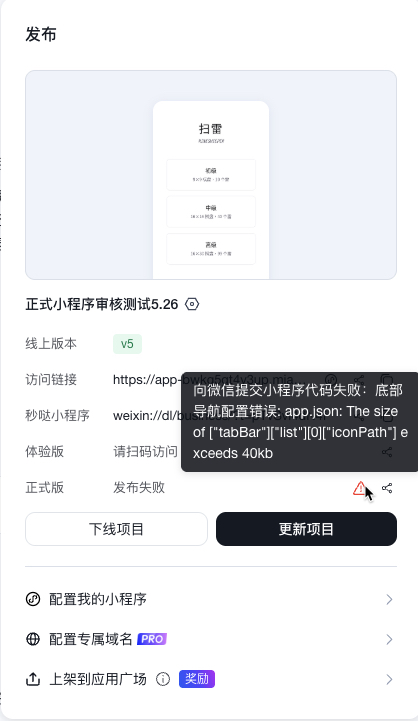
Fix
Tell MeDo to fix the bottom navigation configuration. Example prompt:
Error 8: Build Configuration Error
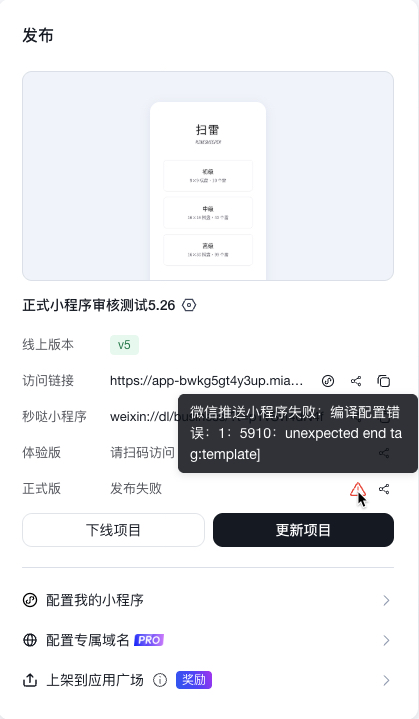
Fix
Tell MeDo to clean up the build configuration. Example prompt:
Error 9: WeChat Mini Program Review Failed
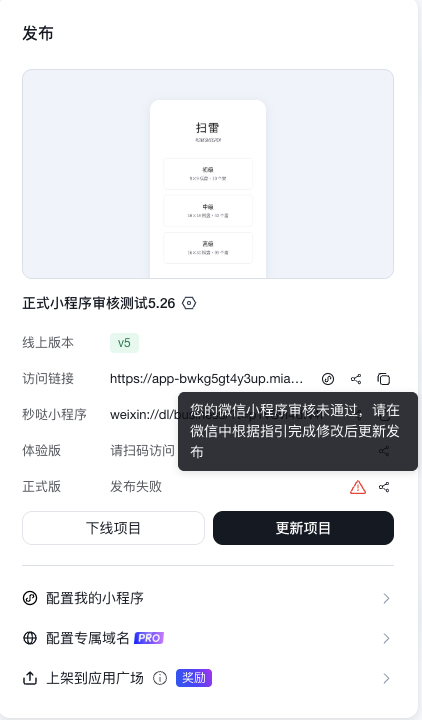
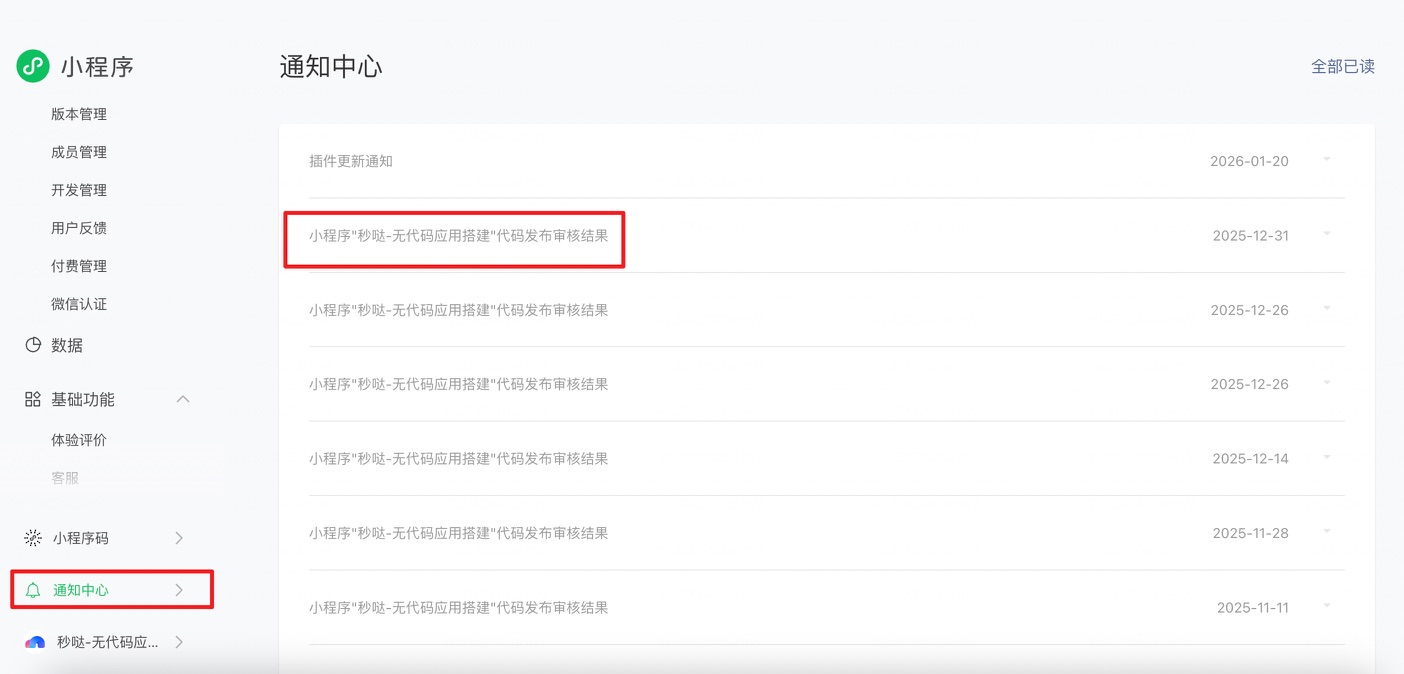
Go to WeChat Official Accounts Platform > Notification Center to view the review result. You may also receive the review notification in WeChat service notifications on your phone.