
Getting started
Using build modes
Deep Build and Fast Build change how thoroughly MeDo works and what each message costs. Learn when to use which.
Open the + menu on the prompt bar to choose Deep Build or Fast Build. This setting changes both the quality of what you get back and how fast your credits go. The same menu also has Add from asset library and Upload.
Deep Build is the default. If you have never touched this control, everything you have sent so far used it.
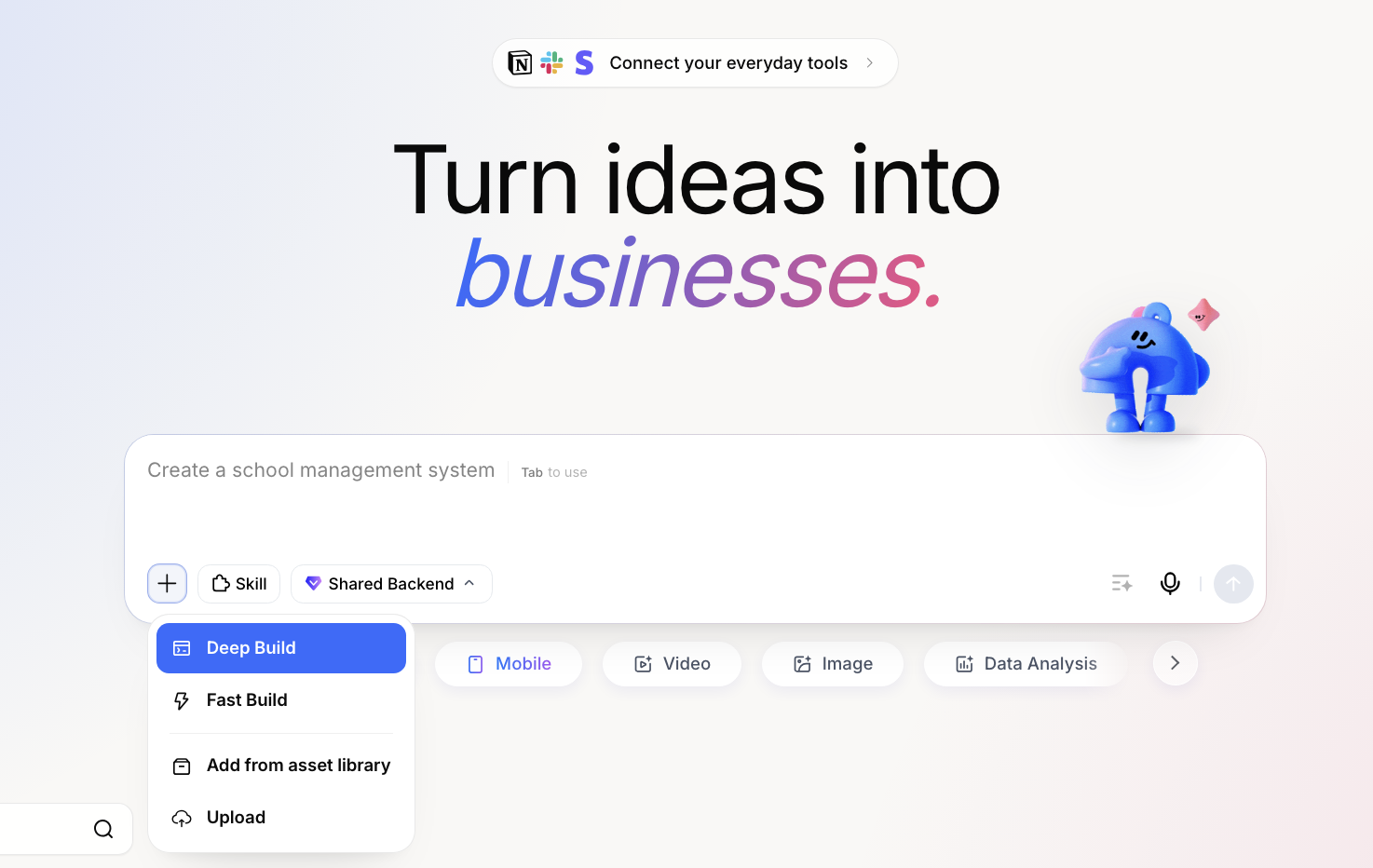
The difference
See Credit System for the full price list.
When to use Deep Build
- Creating an app for the first time.
- Adding anything that stores or reads data.
- Adding sign-in, roles, or access rules.
- A change that spans several pages.
- Something you already asked for in Fast Build and got wrong.
When Fast Build is enough
- "Change this heading."
- "Make the button green."
- "Swap this image."
- "Add a row to the pricing table."
- Asking a question about your app rather than changing it.
Working economically
The practical pattern for most people:
- Deep Build for the first build and any structural change.
- Fast Build for the long tail of small fixes afterwards.
- Back to Deep Build if a Fast Build attempt did not land.
Two things save more credits than switching modes, though: getting the requirements document right before generating, and being specific in the message so a change lands the first time. See Writing better prompts and Edit in Depth.
Notes
- The mode applies to the message you are about to send, and your choice sticks in that browser.
- Switching modes does not undo or change anything already built.
- Deep Build takes longer. That is expected — you can leave the page while it works.