
What You Can Build
The kinds of products you can build with MeDo, what you can generate without building an app, and real examples by role.
MeDo builds working products from a description. Pages, the data behind them, sign-in for your users, and hosting are generated together and published to a live URL. The result is a real product, not a mockup: forms save records, an admin view shows them, and access rules decide who sees what.
Ready to build? Go to Quick Start. This page is about what is possible.
Who this is for, and what it replaces
Types of app
What you can generate without building an app
The row under the prompt box also has task types. Pick one and MeDo does the work and hands you the file:
- Slides — decks, reports, and proposals from an outline or from research.
- Image — generate and edit images from a description.
- Video — short video from a prompt or from your images.
- Data Analysis — upload a spreadsheet and get charts and conclusions.
- Web Extract — pull and summarize content from a page.
- Skill Creation — package a repeatable workflow as a reusable Skill.
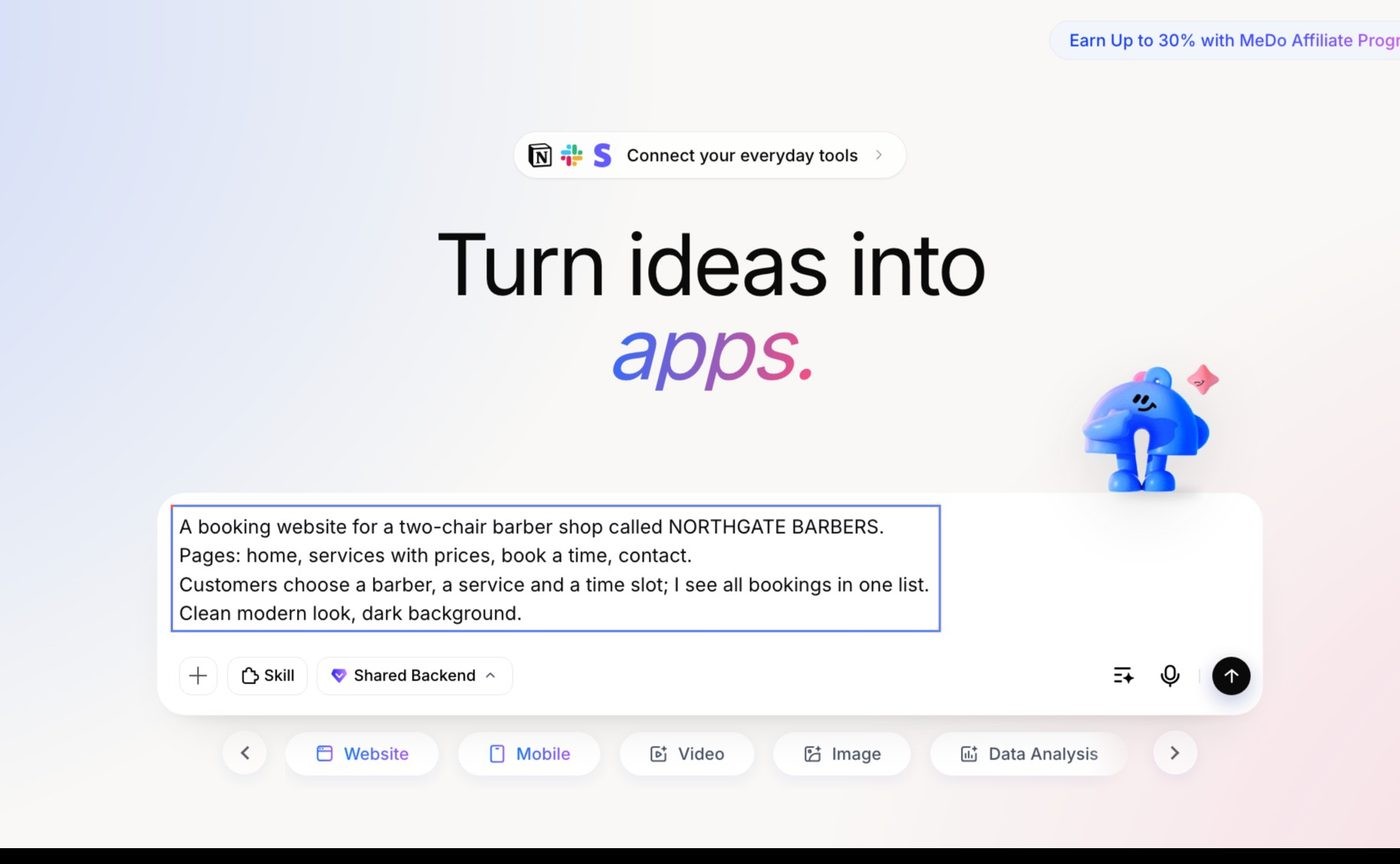
These chain together: research a topic, then turn the result into slides; analyse a spreadsheet, then build a dashboard from it. See General Tasks.
Examples by role
Every example is a live app. Open it, or open its Marketplace page to copy it as your own starting point.
Business owner
Marrow & Vine — three-site restaurant operations
Open the app · Marketplace
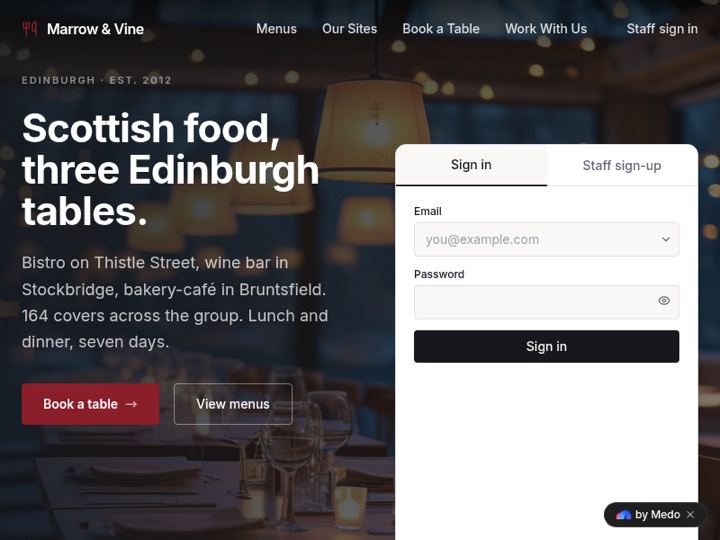 Day-to-day operations for three Edinburgh sites across Services, Kitchen, Bookings, Menu, and Staff. A live floor plan shows table occupancy, and kitchen accounts only reach the kitchen screen. 56 tables, 105 menu items, 4 roles.
KAIYO — omakase restaurant bookings
Open the app · Marketplace
 A ten-seat sushi counter in Tokyo: a pared-back site with a twelve-course menu, scrolling visuals, and a booking form that captures reservations.
Freelancer or agency
Studio Norte — design studio client portal
Open the app · Marketplace
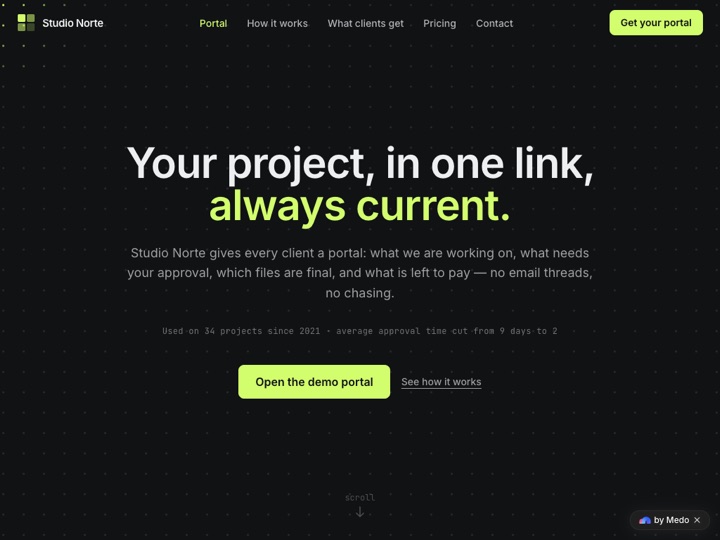 A portal clients actually use: approve proofs, sort files, and pay invoices in one place — delivered as part of the studio's service.
Meridian Glazing — quote requests for a trade business
Open the app · Marketplace
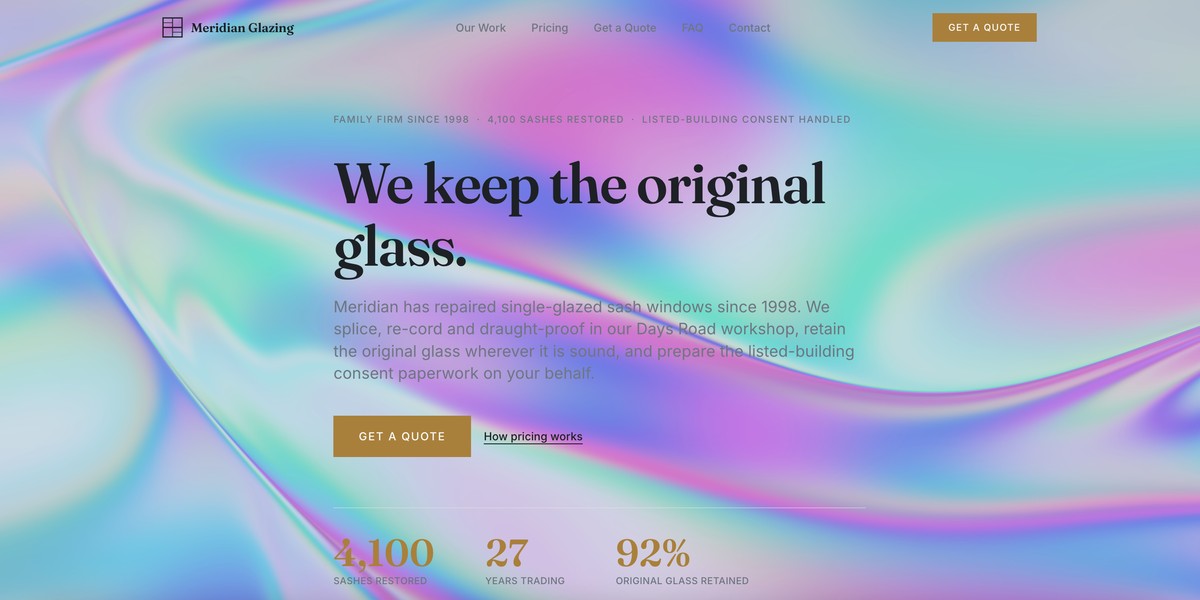 A sash-window restoration business in Bristol and Bath: the site collects quote requests and keeps them in one pipeline to follow up.
Founder or product manager
Attestly — certificate compliance SaaS
Open the app · Marketplace
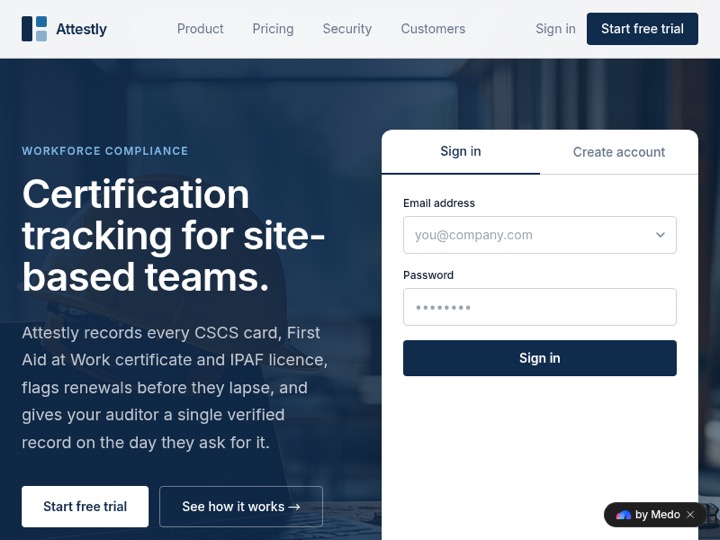 A real multi-tenant product across Workers, Certificates, Sites, Members, and Settings. Each customer's data is separated, the auditor role cannot see sensitive columns, and seat limits block extra invitations. 60 workers, 77% compliance, 4 roles.
Shiftboard — internal rostering tool
Open the app · Marketplace
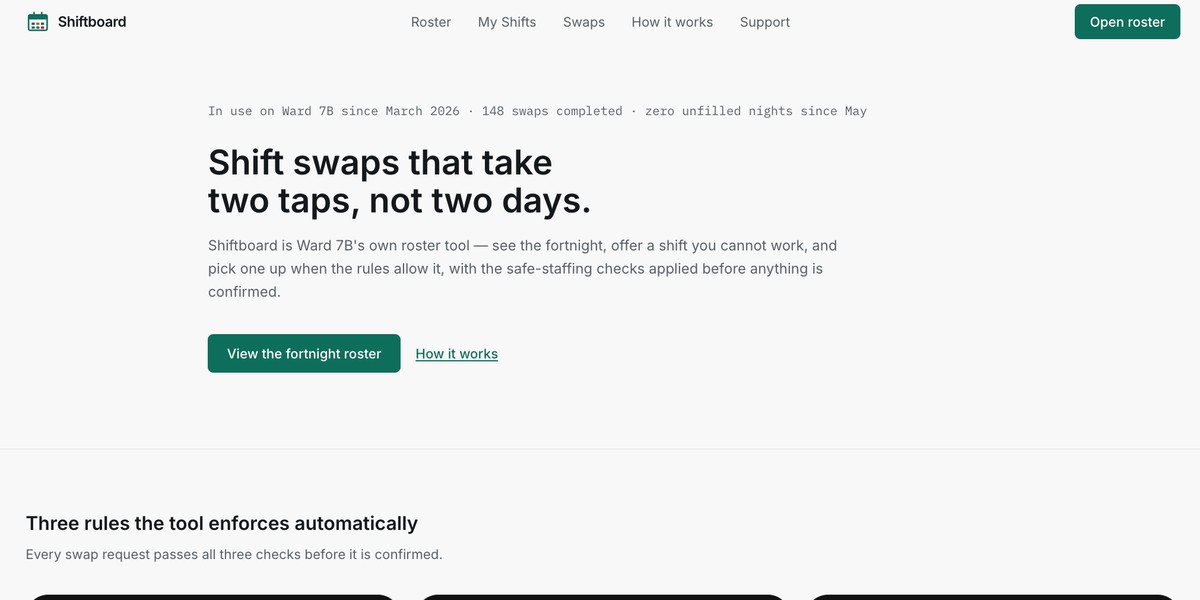 Ward rostering for a hospital team — build, share, and update shifts without another spreadsheet.
Marketer or creator
Ravenhill Audio — sell plugins with automatic licensing
Open the app · Marketplace
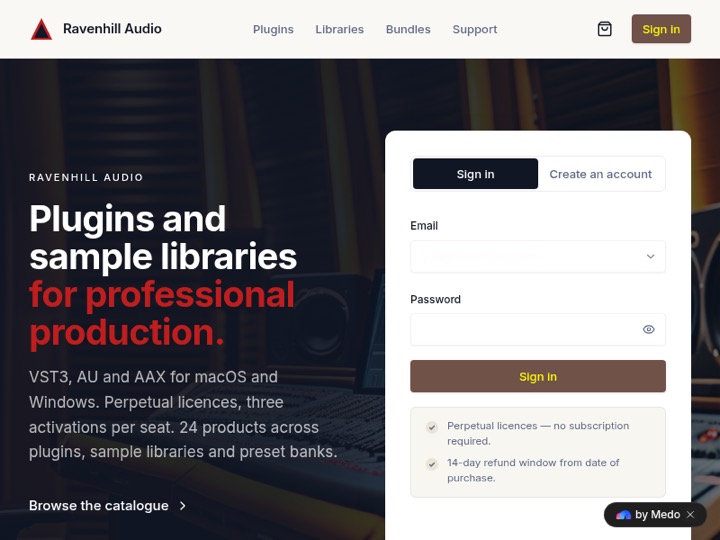 An audio-plugin store across Orders, Customers, Licenses, Products, Downloads, and Discount Codes. After payment a license key is issued and the download is authorized automatically. 280 active licenses.
HOWL & CLIP — turn enquiries into bookings
Open the app · Marketplace
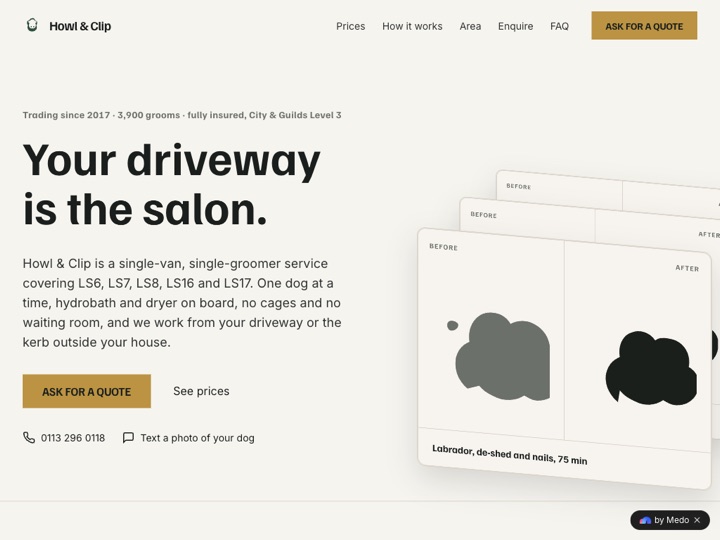 A mobile dog-grooming service in north Leeds: one page that gets owners from "interested" to a scheduled visit.
Student or educator
Northlight Lessons — interactive science lesson
Open the app · Marketplace
 A browser lesson for upper-secondary classrooms: students drag a depth gauge through 400 metres of ice to read 1,200 years of CO₂ and layer data. No install, no student login.
Fenbridge Training — exam practice platform
Open the app · Marketplace
 AAT exam training across Learners, Classes, Question Bank, Practice, Answer Records, and Question Analysis — 123 questions, marked on the server, with anonymized question analytics.
Personal projects
Mira Okonkwo — portfolio site
Open the app · Marketplace
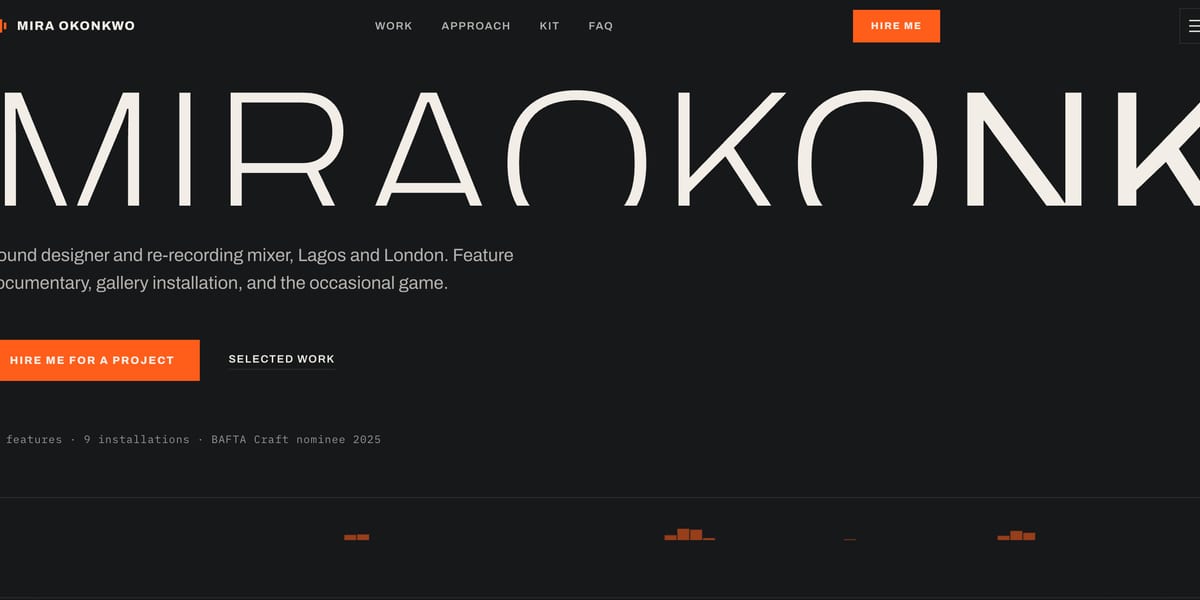 A film sound designer's site: reels, credits, and contact on one page you own.
Seven — seven-day habit tracker
Open the app · Marketplace
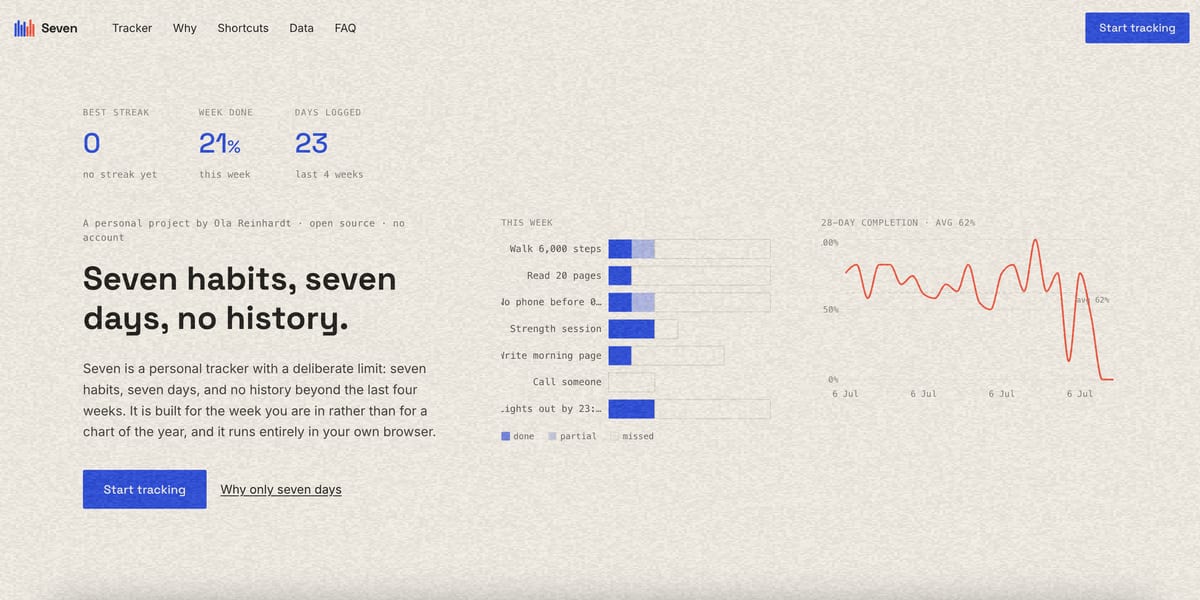 Deliberately small: shows seven days, keeps four weeks, and nothing else to distract you.
Browse many more in the Marketplace.
What comes with every project
- Data and forms — tables, submissions, exports, and charts, without setting up a database.
- Sign-in for your users — email and password, or let visitors use the app with no account.
- Access rules — restrict which records each user can see or change.
- Hosting and a shareable URL — plus your own domain when you want it.
- Publishing controls — preview, automated testing, versions, rollback, and Trash.
- Payments (optional) — take payments with your own Stripe or PayPal account. Money goes directly to you; MeDo never holds it.
- Your source code — download it and self-host if you outgrow the platform.
Next steps
- Build one: Quick Start
- Learn the interface: Interface Tour
- Write a stronger prompt: Writing better prompts
- Understand costs: Credit System