
Edge Functions
What Backend Functions are, how to get MeDo to create one, where to read its logs and code, and how scheduled tasks work.
Some logic should not run in the visitor's browser: calling a paid API with your key, sending an email after a form is submitted, checking a payment, running a nightly clean-up. In MeDo this runs as a Backend Function — server-side code that lives in your app's backend and is called by your pages.
You ask, MeDo writes it
You do not write or deploy functions by hand. Describe what should happen and MeDo creates the function, wires the page to it, and deploys it:
- "When someone submits the contact form, send me an email with the details."
- "Before saving an order, check the promo code against the
promo_codestable." - "Generate a PDF receipt when an order is marked paid."
Use Deep Build for anything that touches several pages or tables. If the function needs an API key or token, add it as an App Secret first and tell MeDo the secret's name.
See your functions
- Open the app in the editor and click the Backend icon in the left rail.
- Switch to the environment tab and choose Backend Functions.
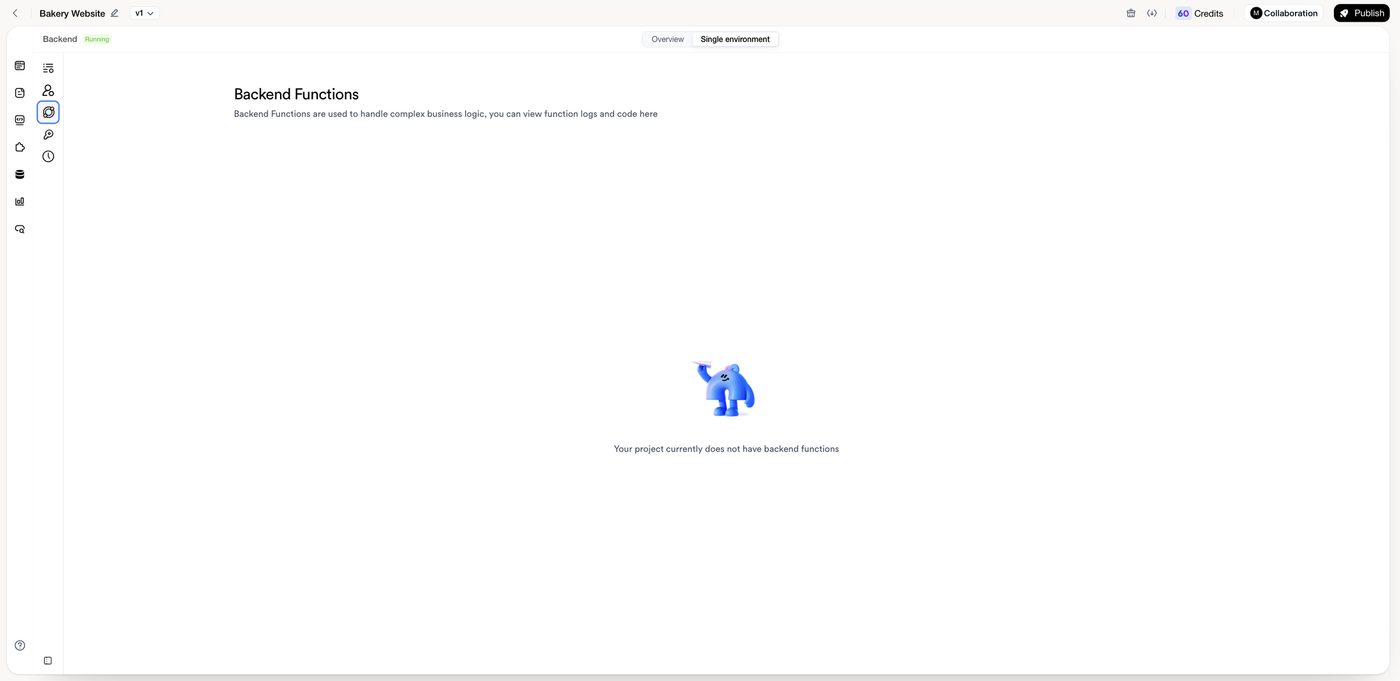
Until MeDo has created one, the panel shows Your project currently does not have backend functions. After that it lists every function in the app. Open one to read its code and its logs — each call, when it ran, whether it succeeded, and what it returned. This is where to look when something "didn't happen": the log tells you whether the function was called and what went wrong.
Scheduled tasks
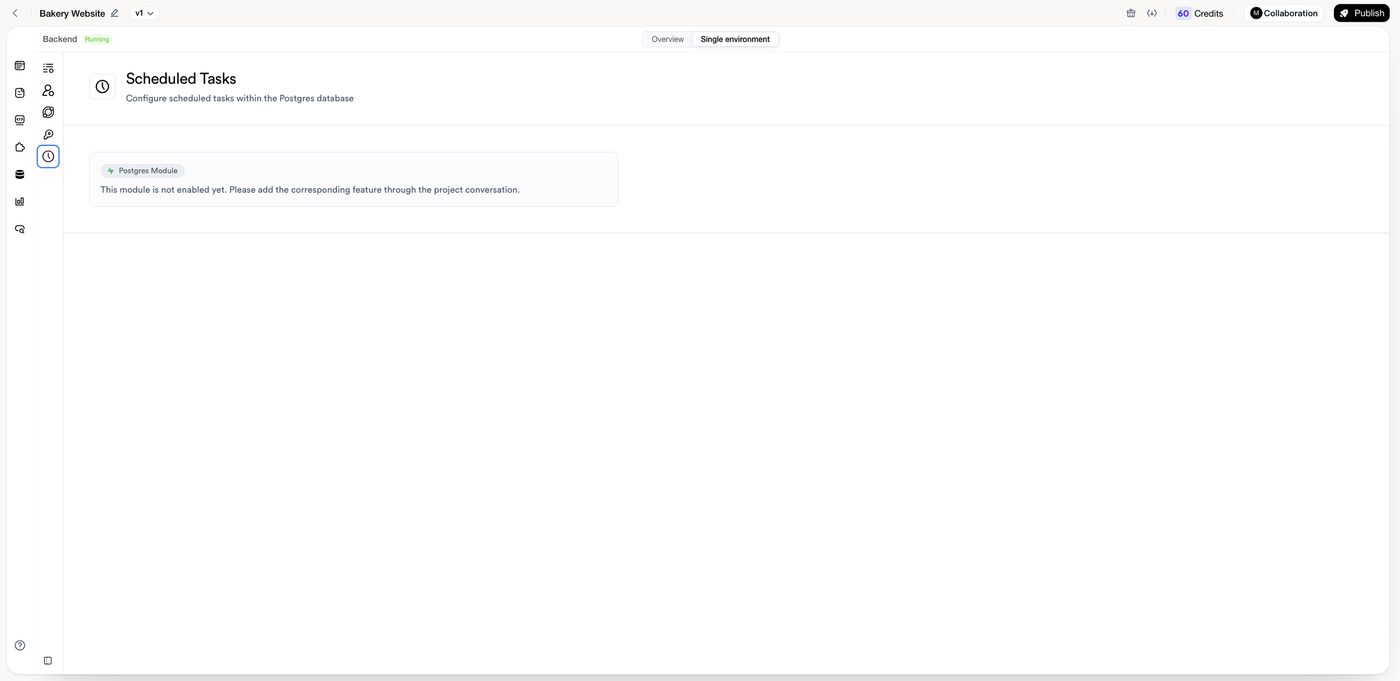
For work that should run on a timer — clearing expired sessions, sending a daily summary, refreshing a cached feed — ask MeDo for a scheduled task: "Every night at 02:00, delete bookings older than 90 days." MeDo sets up the schedule inside the Postgres database and the matching function.
The Scheduled Tasks panel in the Backend view shows the schedules once they exist. If it says the Postgres module is not enabled yet, no schedule has been created for this app; add one through the conversation.
Fixing a function
- Nothing happened: open the function's logs. No entry means the page never called it — ask MeDo to check the button or form that should trigger it. An entry with an error tells you what failed.
- "Missing secret" or an authentication error: confirm the secret exists under exactly the name the function expects, then ask MeDo to redeploy.
- Behaviour is stale after a change: describe the fix in chat; MeDo redeploys the function as part of the change.
- Shared backend: a function is shared by every app on that backend, so a change for one app affects the others. See Sharing a backend.