
Sign In & Account
How to sign in to MeDo, recover your password, manage your profile and credits, and get the API key that lets an AI agent build on your behalf.
This page is about your MeDo account. The accounts of people who use the apps you build are a separate system — see Managing sign-in & users.
Sign in to MeDo
Go to medo.dev and click Sign in. You can use:
- Google — one click with your Google account.
- Email and password — create an account or sign in with an existing one.
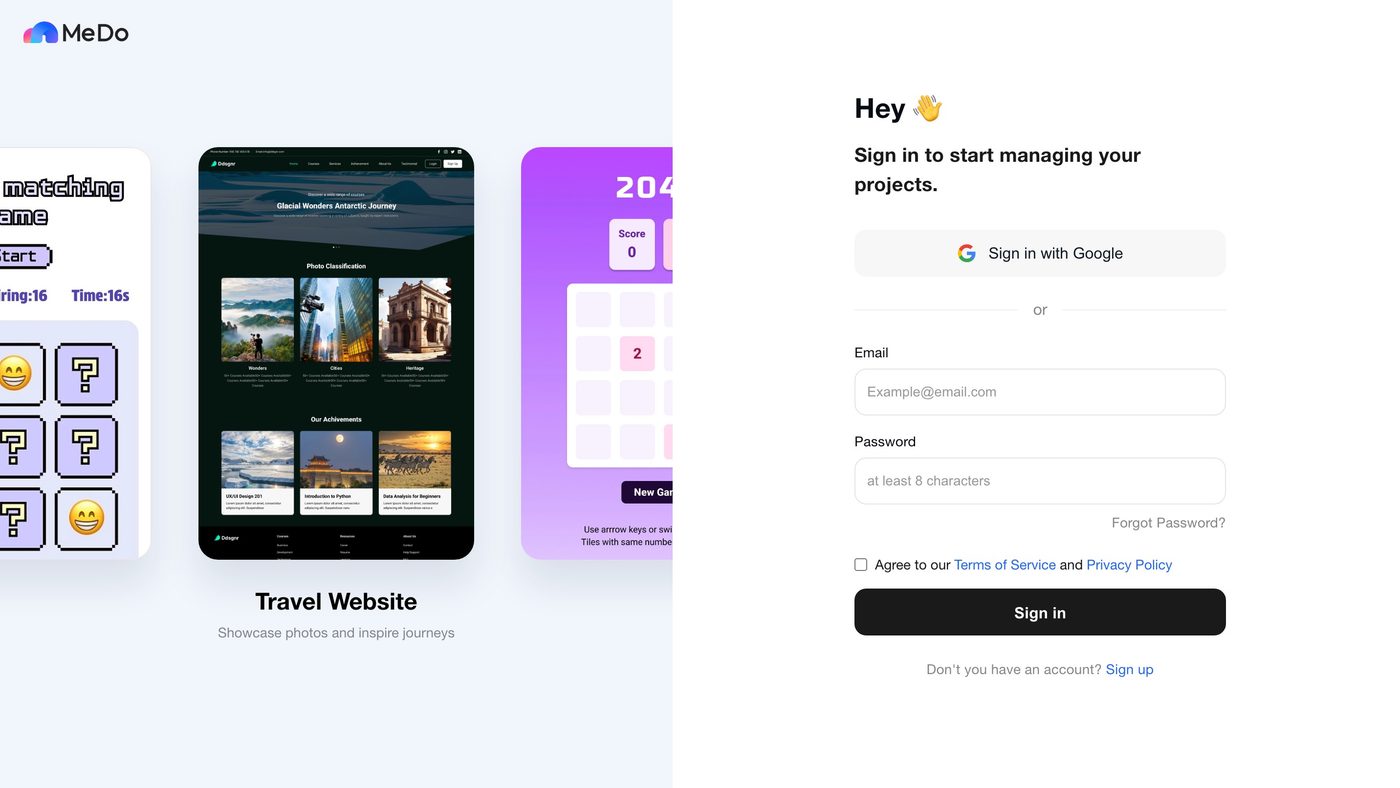
A new account starts with 100 credits, and signing in each day adds more; see Credit System.
Email verification
New email accounts must be verified before you can use them. Check your inbox for the verification email and follow the link. If it did not arrive, use the resend verification option from the sign-in page.
Forgot your password?
Use the forgot password option on the sign-in page. MeDo sends a reset link (or opens a secure reset page) so you can choose a new password.
Your account
The avatar at the bottom of the sidebar opens the account menu, where you can change your nickname and avatar and sign out. Your credit balance sits just above it; click it for the balance, recent activity, and Plans & Billing (see Subscription & Billing). Notifications — build finished, credits granted, community announcements — are the bell icon next to it.
Your API key
An API key (sk_…) lets an AI agent such as Claude Code or Codex build, edit, and publish apps on your account. Click Agent Connect in the sidebar to see it:
- Each account has one active key. It is shown masked, with buttons to reveal, copy, and regenerate it.
- Regenerating invalidates the old key immediately.
- The panel also gives you the one-line setup instruction to paste into your agent. See Build from Your AI Agent.
Treat the key like a password. Anyone who has it can spend your credits and publish under your name. Regenerate it if it leaks, and never paste it into a shared document or a public chat.
Security tips
- Use a strong, unique password if you sign in with email.
- Regenerate your API key when you stop using an agent, or if a laptop that had it is lost.
- Check Plans & Billing → Orders and your credit activity now and then for anything you do not recognise.